Ever wondered how to turn your passion for photography or visual arts into a steady income stream? As a Shutterstock Contributor, you can do just that. This platform allows creators from around the globe to showcase their incredible content and earn money through their creative work.
 With the Shutterstock Contributor app, I can easily upload new images directly from my device and track how potential customers interact with my portfolio. The app notifies me when my images are being viewed or downloaded and even shows what customers are purchasing worldwide. This valuable insight helps me stay ahead of trends and create visuals that sell.
Key Takeaways
- Monetize Your Creativity: Becoming a Shutterstock Contributor allows photographers and visual artists to earn money from their work by showcasing it on a global platform.
- Easy Account Setup: Setting up an account is straightforward, requiring contributors to meet specific criteria such as being at least 18 years old and providing legal identification.
- Adhering to Guidelines: Understanding and following Shutterstock’s content guidelines, including image quality and legal requirements, increases the likelihood of having your work approved.
- Effective Portfolio Management: Utilize tagging best practices, categorize content efficiently, and regularly update your portfolio to enhance visibility and attract potential buyers.
- Sales Optimization Tips: Maximize sales by understanding buyer preferences, using accurate metadata for search visibility, and promoting your portfolio across various platforms.
- Explore Alternatives: Consider other stock photo platforms like iStock or Adobe Stock if you encounter limitations with Shutterstock or seek diversified income streams.
Setting Up Your Contributor Account
Setting up a contributor account on Shutterstock is straightforward when you meet specific criteria. Follow these guidelines to get started.
Requirements for Signing Up
To sign up as a Shutterstock contributor, certain prerequisites need to be met:
- Age Requirement: Be at least 18 years old.
- Legal Name: Register using your full legal or business name, not a nickname.
- Business Registration: Complete necessary forms if registering as a business. US-based businesses require Form W-9, while non-US businesses require Form W-8.
Navigating the Registration Process
Begin by visiting the Shutterstock Contributor website and clicking on the “Sign Up” button. Enter your email address and create a password. Next, provide your full legal name or business name; this ensures proper attribution and payment processing.
If registering as an individual, proceed directly to uploading your content. For business registrations, complete either Form W-9 (US) or Form W-8 (non-US) before proceeding. After submitting the required information and forms, verify your email address through the confirmation link sent by Shutterstock.
Once verified, log in to your new account where you can start uploading images immediately. The platform provides tools for tracking sales performance and customer interactions with your portfolio in real-time, ensuring you stay informed about market trends and potential earnings opportunities.
Understanding Shutterstock’s Guidelines
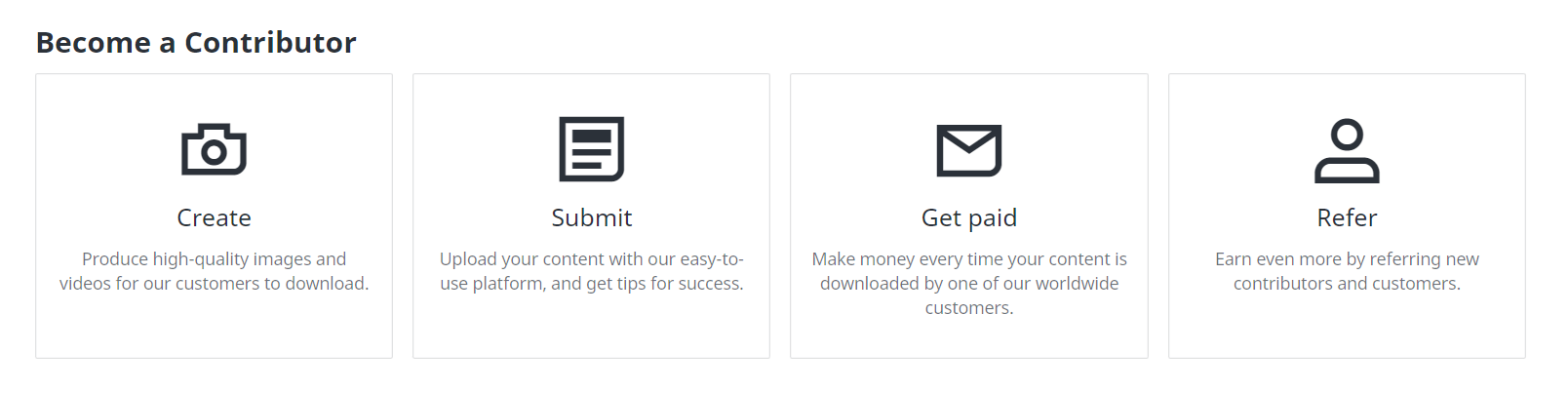
Knowing the guidelines is crucial for success as a Shutterstock Contributor.
Acceptable Content Criteria
Age Requirement: Contributors must be at least 18 years old to create an account.
Account Sharing: Each account is personal; sharing it with others is prohibited. This ensures individual accountability and protects content integrity.
Image and Video Requirements
Image Quality: Images need to be at least 4 megapixels (MP) or larger, set at the highest quality settings. High resolution ensures better marketability and meets professional standards.
Submission Checks: Each photo submission undergoes checks before approval for creative or data licensing. These checks include assessments of composition, lighting, focus, and adherence to technical specifications.
Legal Guidelines for Contributions
Model Releases: For minor models, a parent or legal guardian’s name must be on the release form. This provides legal consent for minors’ images to appear in commercial content.
Required Information: Include all necessary details like the model’s first name in release forms. Additionally, photographer information such as name and contact details must accompany submissions for transparency and accountability.
Following these guidelines can significantly improve chances of having work accepted by Shutterstock while ensuring compliance with platform standards.
Uploading Your Work
Uploading your work to Shutterstock involves a few essential steps. Ensuring the correct process increases the chances of approval and visibility.
Best Practices for Tagging and Keywords
Using effective tagging and keywords is crucial for maximizing your content’s reach. Use Relevant Keywords first in your list; these receive priority in search results. For instance, if you upload an image of a sunset, prioritize “sunset,” “beach,” and “sky” over less relevant tags.
Disambiguate Keywords when using platforms like Getty Images by selecting precise suggestions from their list to ensure accurate tagging. This helps avoid confusion, such as differentiating between “jaguar” (the animal) and “Jaguar” (the car).
Use Hierarchy in Tagging, especially on Adobe Stock. Tags that appear first are given priority in ranking on search results pages. For example, place more critical terms at the beginning of the list.
Identify Supertags, particularly on Alamy, where the top 10 most important keywords significantly impact rankings during searches. For images of urban landscapes, prioritize terms like “cityscape,” “skyscraper,” and “urban.”
Finally, Utilize Keyword Tools such as Shutterstock’s keyword tool or Dropstock to analyze trends and find optimal tags quickly.

How to Organize Your Portfolio
A well-organized portfolio can streamline your workflow and enhance user experience:
- Categorize Content by Theme: Group similar types of images together (e.g., nature, architecture). This makes it easier for potential buyers to find what they need.
- Create Subfolders: Use subfolders within main categories for specific shoots or projects (e.g., under ‘Nature,’ have subfolders for ‘Forests,’ ‘Deserts’). This keeps everything neatly arranged.
- Tag Metadata Consistently: Ensure all files have consistent metadata including titles, descriptions, and keywords relevant to each image or video.
- Regularly Update Portfolio: Add new content periodically based on market trends while retiring outdated material that no longer meets current standards.
Managing Your Contributor Profile
Managing your contributor profile effectively on Shutterstock ensures you stay updated and maximize your earnings. Here are the crucial aspects of profile management.
Updating Your Information
Contributors must be at least 18 years old to create an account. Adhere to the Submission and Account Guidelines to avoid issues. Regularly update personal information including email addresses and payment details through the account settings page, ensuring all data remains current.
Tracking Your Earnings and Performance
The Marketplace Catalog page provides essential insights into earnings and performance. By accessing this tool, track monthly sales, view detailed reports, and analyze trends in content popularity. Utilize Portfolio Tools like the Catalog Manager to organize approved content into themed collections; this enhances discoverability for potential buyers.
Tips for Increasing Your Sales
Boosting sales as a Shutterstock contributor involves strategic actions and attention to detail. Here are some effective tips.
Understanding What Buyers Want
Understanding buyer preferences is crucial. Shutterstock sources metadata from contributors to help customers find the right content. This includes using precise titles and keywords that match buyer searches. Analyzing website and content usage data gives insights into popular trends, helping tailor your uploads to meet current demand.
Enhancing Visibility in Searches
Enhancing visibility in searches increases the likelihood of your images being found by potential buyers. Accurate metadata such as detailed descriptions, relevant keywords, and appropriate categories significantly improve searchability. Promoting your portfolio on various platforms also enhances visibility and attracts more buyers. Regularly updating uploaded content keeps it fresh and relevant, increasing its chances of appearing in search results.
These targeted strategies can help maximize sales on Shutterstock by ensuring that your work meets buyer needs and remains highly visible in searches.
Troubleshooting Common Issues
Troubleshooting common issues can save time and ensure a smoother experience on Shutterstock. Here are some key areas to address.
Rejected Submissions
Payment Information Verification: Ensure payment information is accurate and up-to-date in the Account Settings of your Shutterstock contributor account. Incorrect details result in missed payments.
Electronic Payment Account Setup: Verify that your electronic payment account is fully set up to avoid payment failures or delays. Incomplete setups often lead to transaction issues.
Payment Problems
Payment on Hold: If a payment is on hold, it may be due to pending verifications in your PayPal account. Complete necessary verifications to receive the payment promptly.
Missing Transaction ID: If you cannot find the transaction ID, contact PayPal support directly for assistance. Missing IDs usually indicate an issue with the PayPal system rather than Shutterstock’s side.
Card Not Being Accepted: If your credit card is declined, contact Shutterstock customer support for assistance over the phone. This step ensures rapid resolution of any card-related problems.
Alternatives to Shutterstock
Exploring alternatives to Shutterstock can help diversify income streams and find platforms that meet specific needs.
Comparing Different Platforms
 iStock: Known for affordable prices and exclusive images, iStock is a go-to for businesses and individuals. The platform offers competitive earnings, especially for exclusive contributors.
 Adobe Stock: With a vast library of high-quality assets, Adobe Stock integrates seamlessly with Adobe Creative Cloud apps. This integration saves time when working on creative projects and ensures access to premium content.
 Fotor: Fotor stands out with AI-generated images and tools for customizing product backgrounds. Small businesses find this cost-effective due to its unique features tailored for e-commerce needs.
 Unsplash: For those on a tight budget, Unsplash provides free stock photos ranging from artistic shots to commercial-style visuals. This site attracts users who prioritize cost savings over exclusivity or extensive libraries.
 Pexels: A free stock photo aggregator offering a wide range of images under a custom license allowing commercial use. Pexels is perfect for small projects requiring diverse visual content without breaking the bank.
When to Consider Other Options
Consider other options if experiencing frequent app crashes or limited functionality with Shutterstock’s app leads to inefficiencies in workflow management. If needing more than 10-picture batch uploads or seamless keyword copying capabilities, look into alternative platforms that offer these features natively without additional hassle.
Exclusive contracts might also influence the decision. For instance, iStock provides higher earnings potential for exclusive contributors compared to non-exclusive ones elsewhere. Diversifying across multiple platforms like Adobe Stock or Pexels can mitigate risks tied to reliance on one source while expanding reach and maximizing revenue opportunities through different licensing models and user bases.
Exploring these alternatives based on specific requirements—be it pricing flexibility, integration needs, customization tools or exclusivity benefits—can enhance overall success as a stock photo contributor beyond what Shutterstock alone offers.
Conclusion
Becoming a Shutterstock Contributor offers a fantastic avenue to turn your photography passion into profit. By adhering to their guidelines and optimizing your portfolio with accurate metadata you can significantly boost your visibility and sales. Don’t forget the importance of updating content regularly to stay ahead in this competitive market.
If you face any issues like rejected submissions or payment problems Shutterstock’s customer support is there to help. Exploring alternative platforms like iStock Adobe Stock and others can also diversify your income streams and offer unique opportunities tailored to your specific needs.
Frequently Asked Questions
How can I become a Shutterstock contributor?
To be a Shutterstock contributor, submit several photos, JPEGs, EPS illustrations, or video clips for your first submission. These must meet Shutterstock’s content criteria and will be reviewed by their expert team.
What are the image requirements for Shutterstock submissions?
Images submitted to Shutterstock should be at least 4 MP in size and free from watermarks or logos. They must also adhere to quality standards regarding focus, exposure, and composition.
How do I effectively tag my images on Shutterstock?
Use relevant keywords that accurately describe the content of your images. Include terms related to the subject, setting, and emotions depicted to improve search visibility.
How often should I update my portfolio on Shutterstock?
Regularly updating your portfolio is recommended. Upload new images frequently to stay relevant and increase your chances of making sales.
What can I do if my submission gets rejected on Shutterstock?
Review the rejection reasons provided by Shutterstock carefully. Make necessary adjustments like improving image quality or correcting metadata before resubmitting.
How can I verify my payment information on Shutterstock?
Log into your account and go to the ‘Earnings’ section. Ensure all details are correctly filled out and follow any additional verification steps requested by Shutterstock.
What alternatives exist alongside Shutterstock for selling stock photos?
Consider platforms like iStock, Adobe Stock, Fotor, Unsplash, and Pexels. Each offers unique features such as different pricing structures or exclusive contract opportunities which may better suit your needs.
Why might there be an issue with accepting credit card payments on my account?
Credit card issues could stem from incorrect payment details or regional restrictions. Contacting Shutterstock customer support will help resolve these problems quickly.
How can I increase sales on Shutterstock?
Understand buyer preferences through market research, use accurate metadata for better visibility in searches, promote your portfolio across various platforms, and keep updating content regularly.












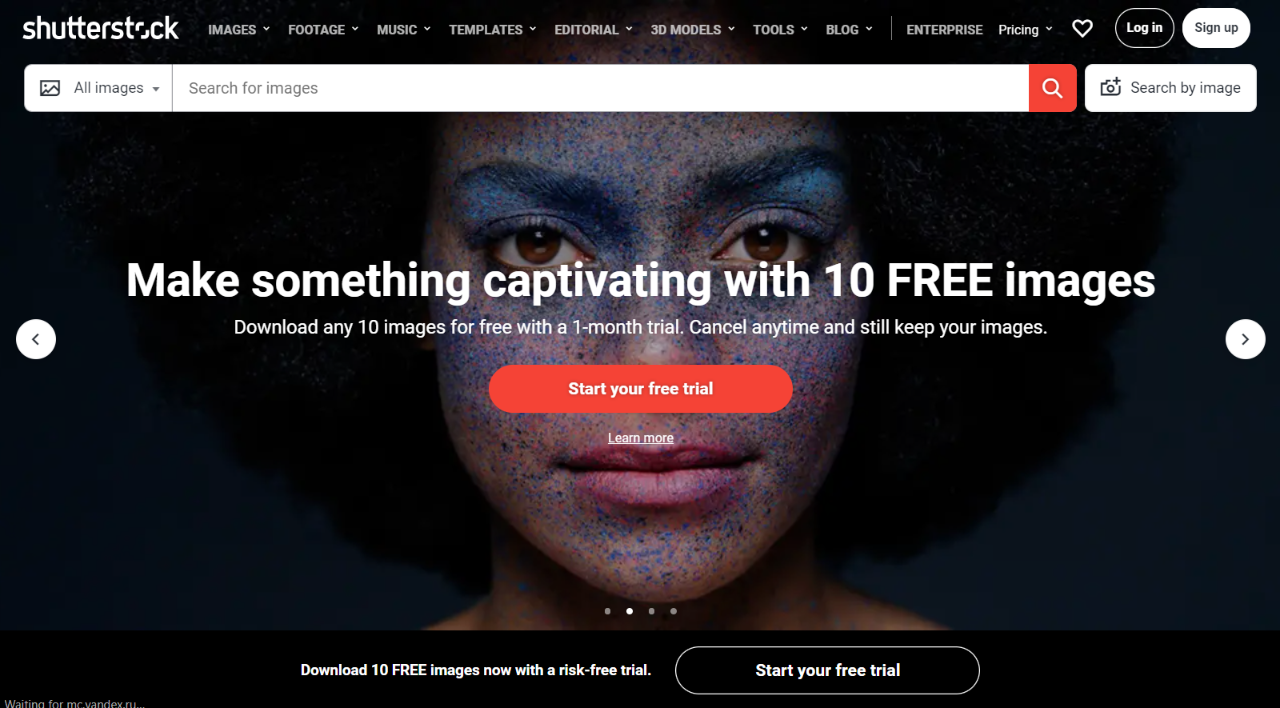
 Shutterstock offers amazing royalty-free images at simple pricing. You can search over 182 million royalty free images, video clips and music tracks in the library with a free browse account. To create and share unlimited collections as well as download high quality images, you need to purchase images on-demand or subscribe to a plan.